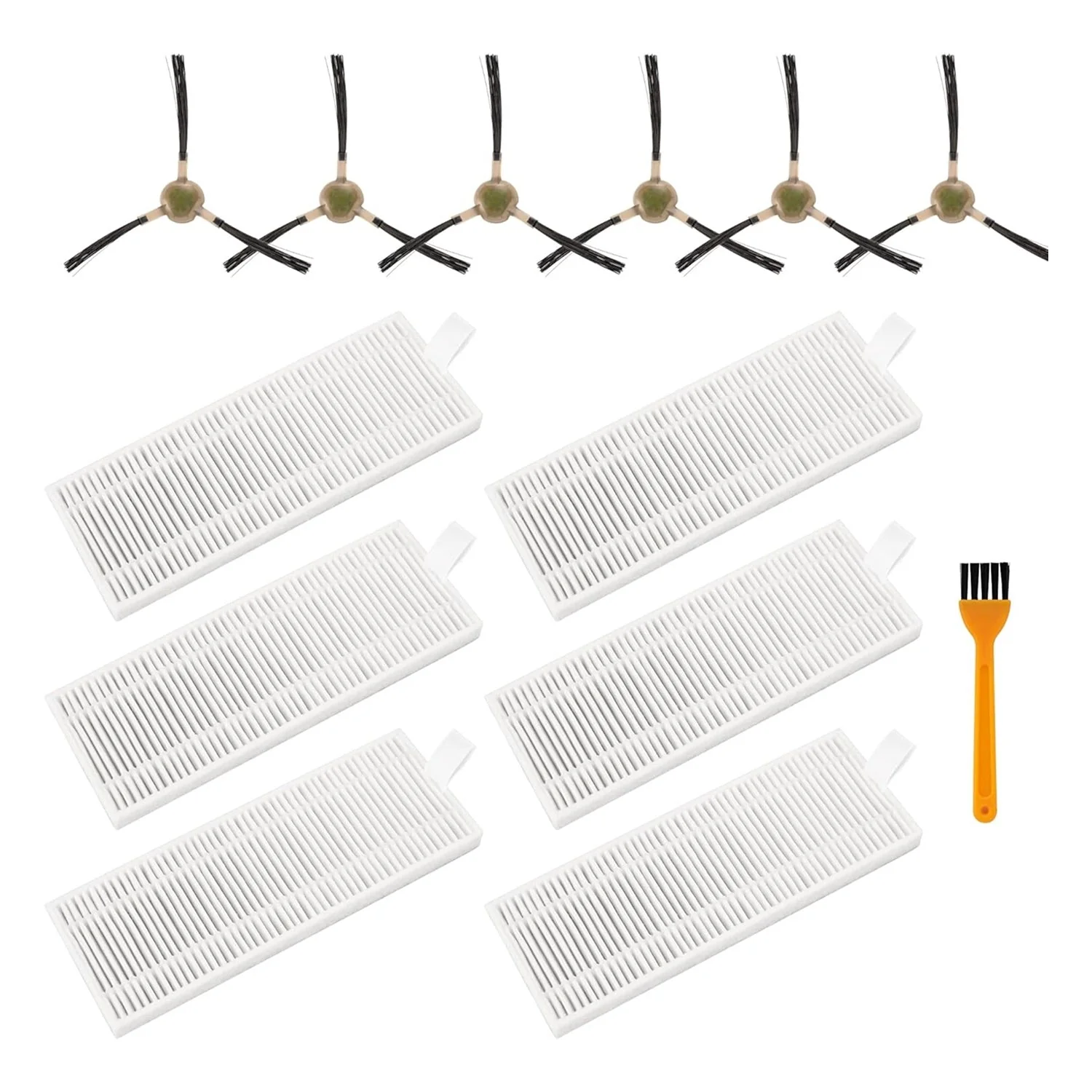
[Lifetime Warranty] Replacement Parts Kit for OKP Life K2 K3 K3A K4 K5 and Lefant M210 M210S M210B M213 Robot Vacuum Cleaner - 6 Side Sweep Edge Brush, 6 HEPA Filter + Extra Cleaning Tool
Replacement Parts Kit for OKP Life K2 K3 K3A K4 K5 and Lefant M210 M210S M210B M213 - Side Sweep, Edge Brush, HEPA Filter, Extra Cleaning Tool
Key Features
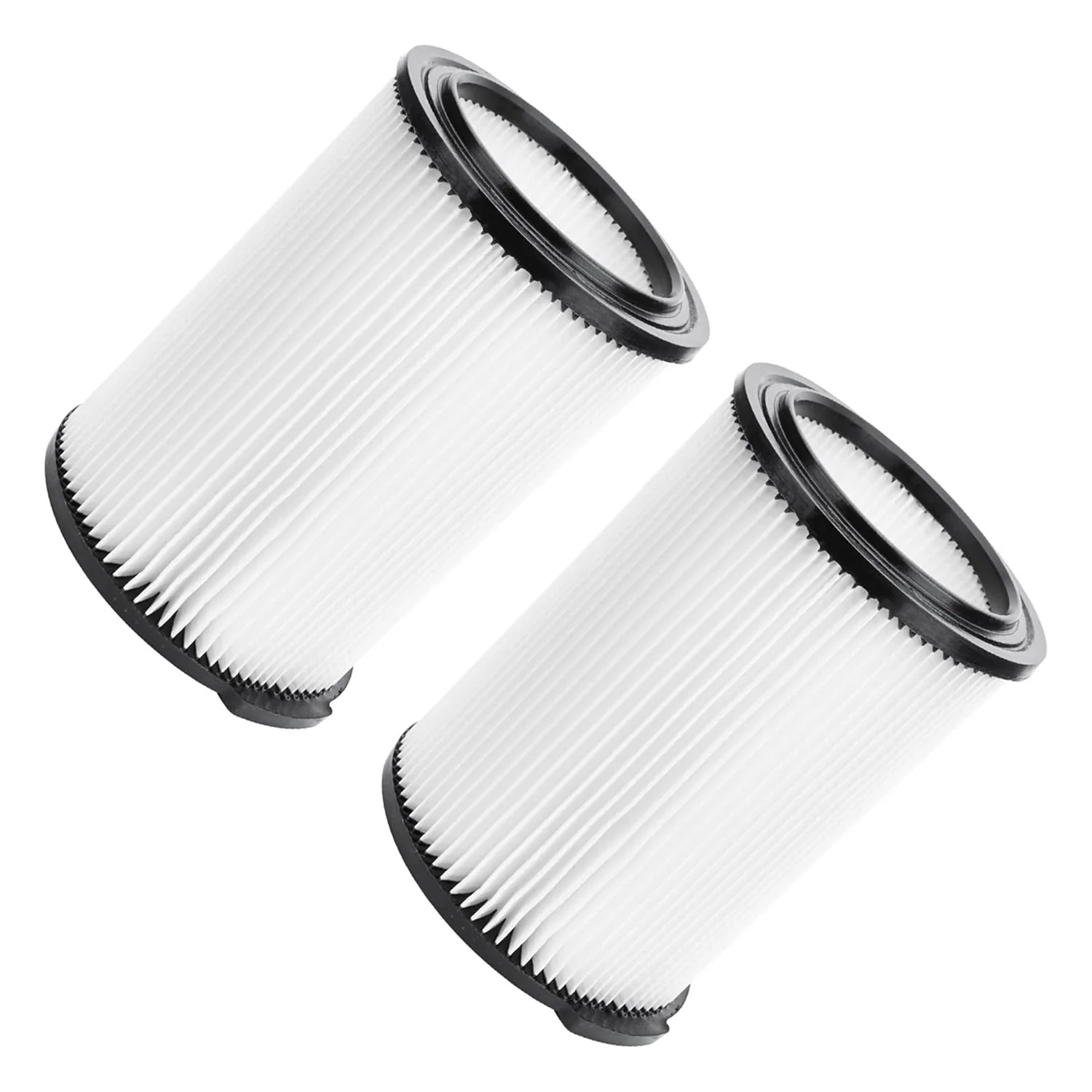
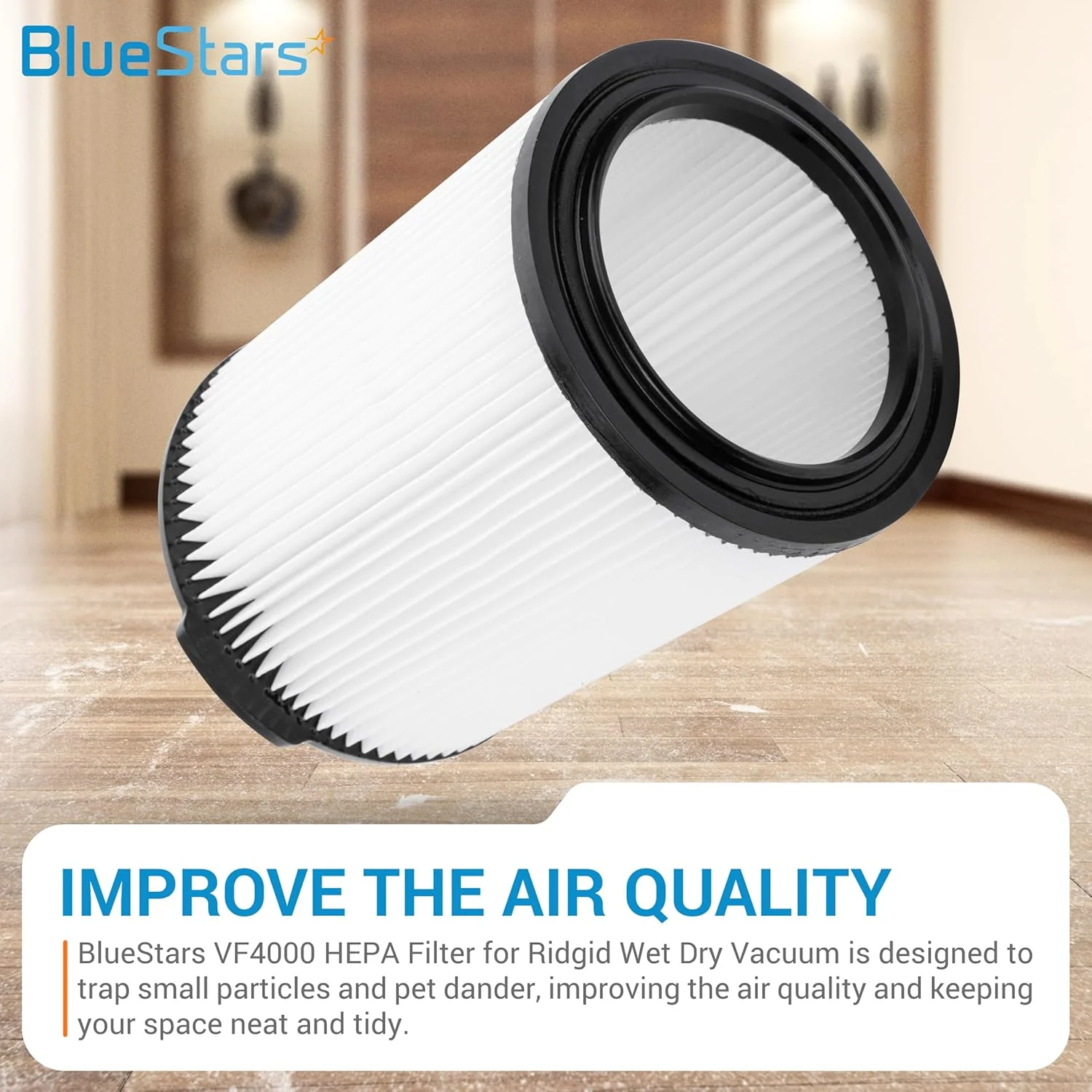
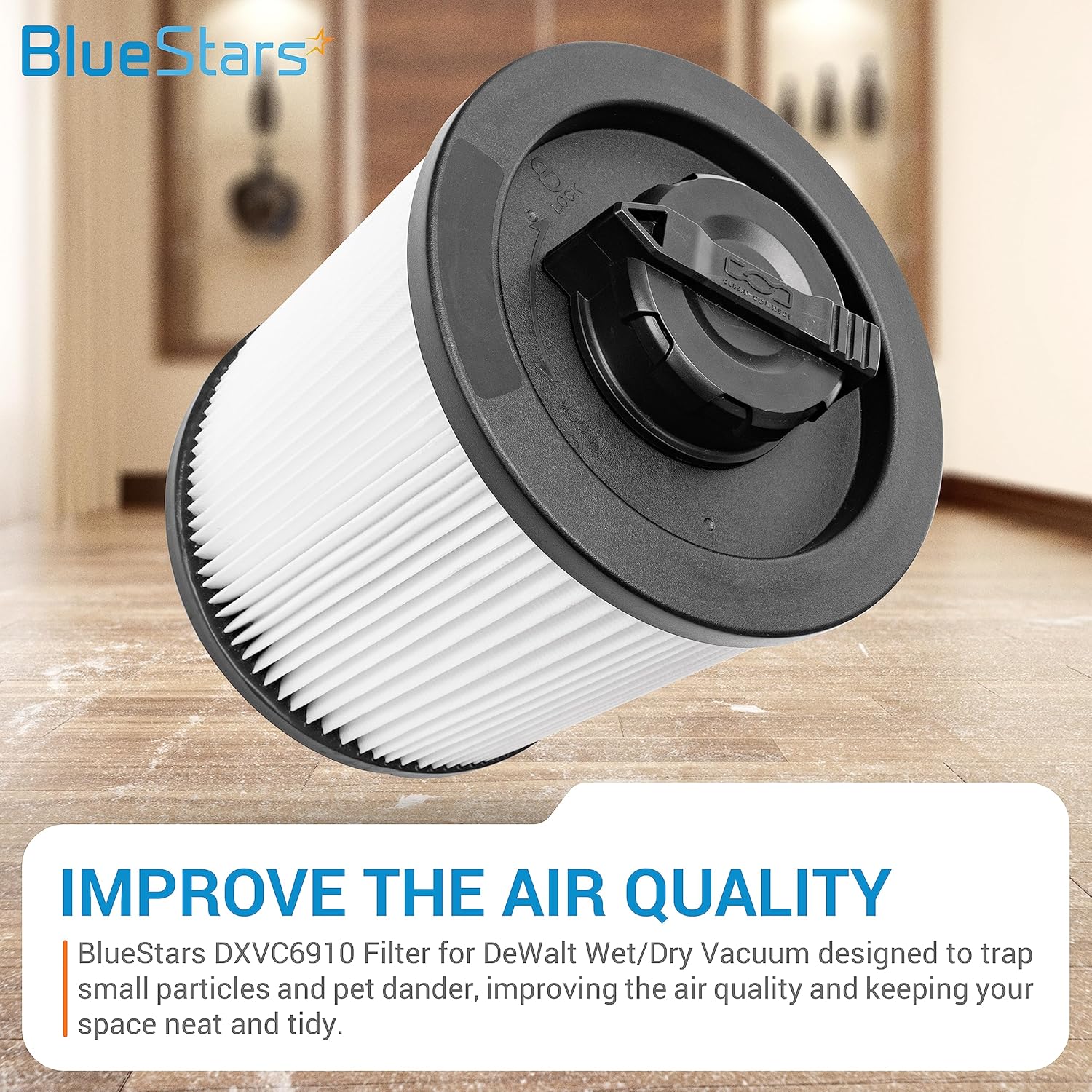
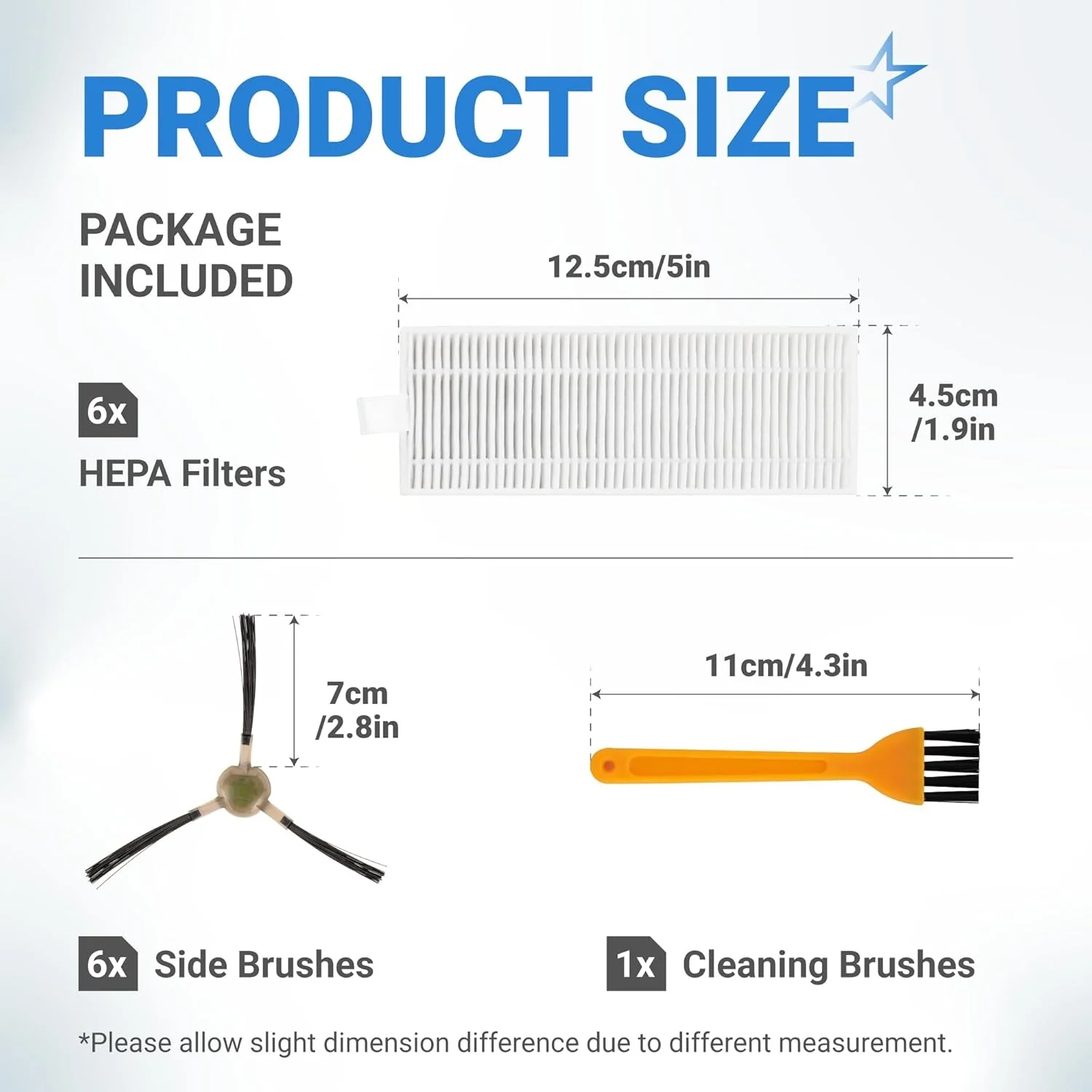
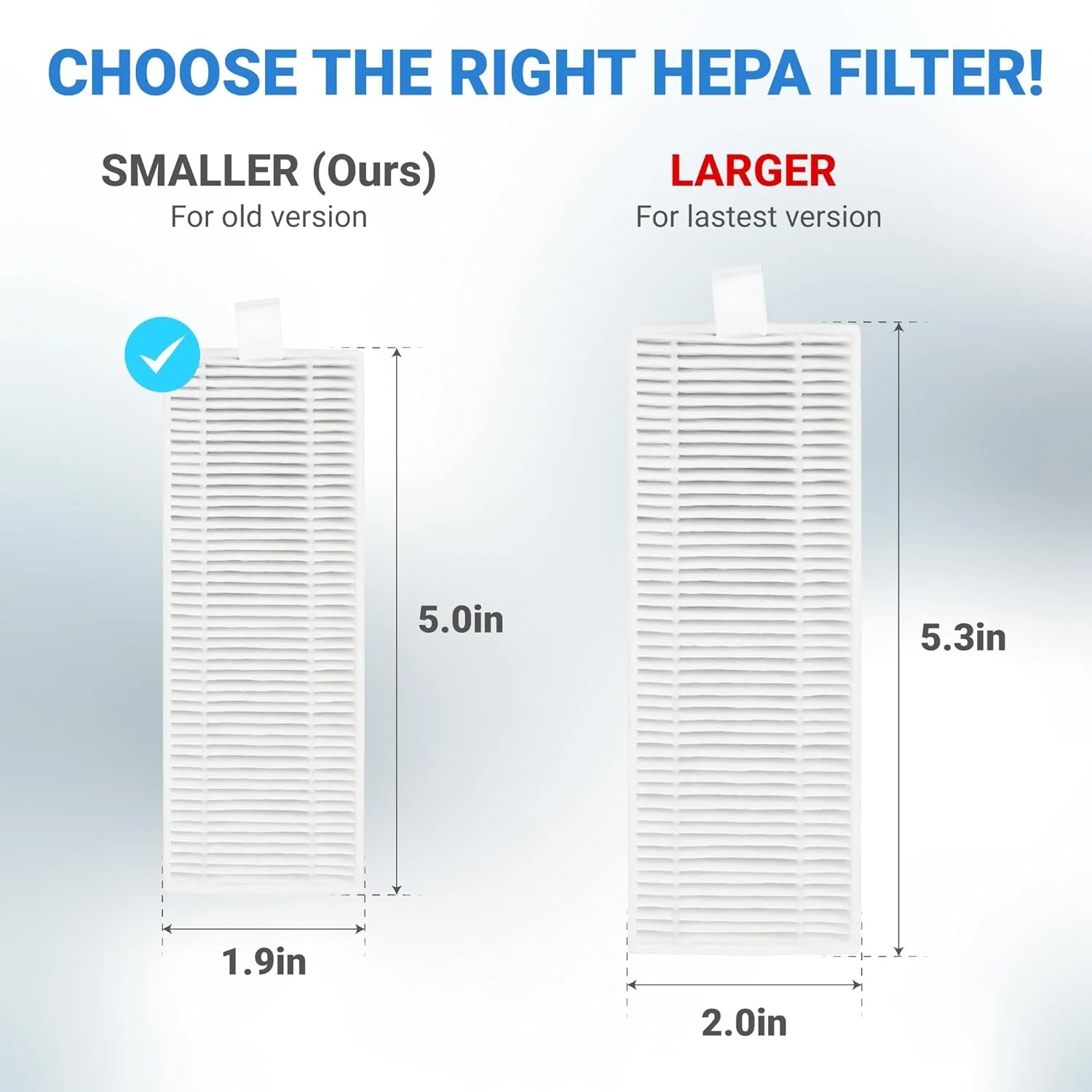
- High-efficiency HEPA filters designed to capture 99.97% of airborne particles, dust, and pet dander down to 0.3 microns.
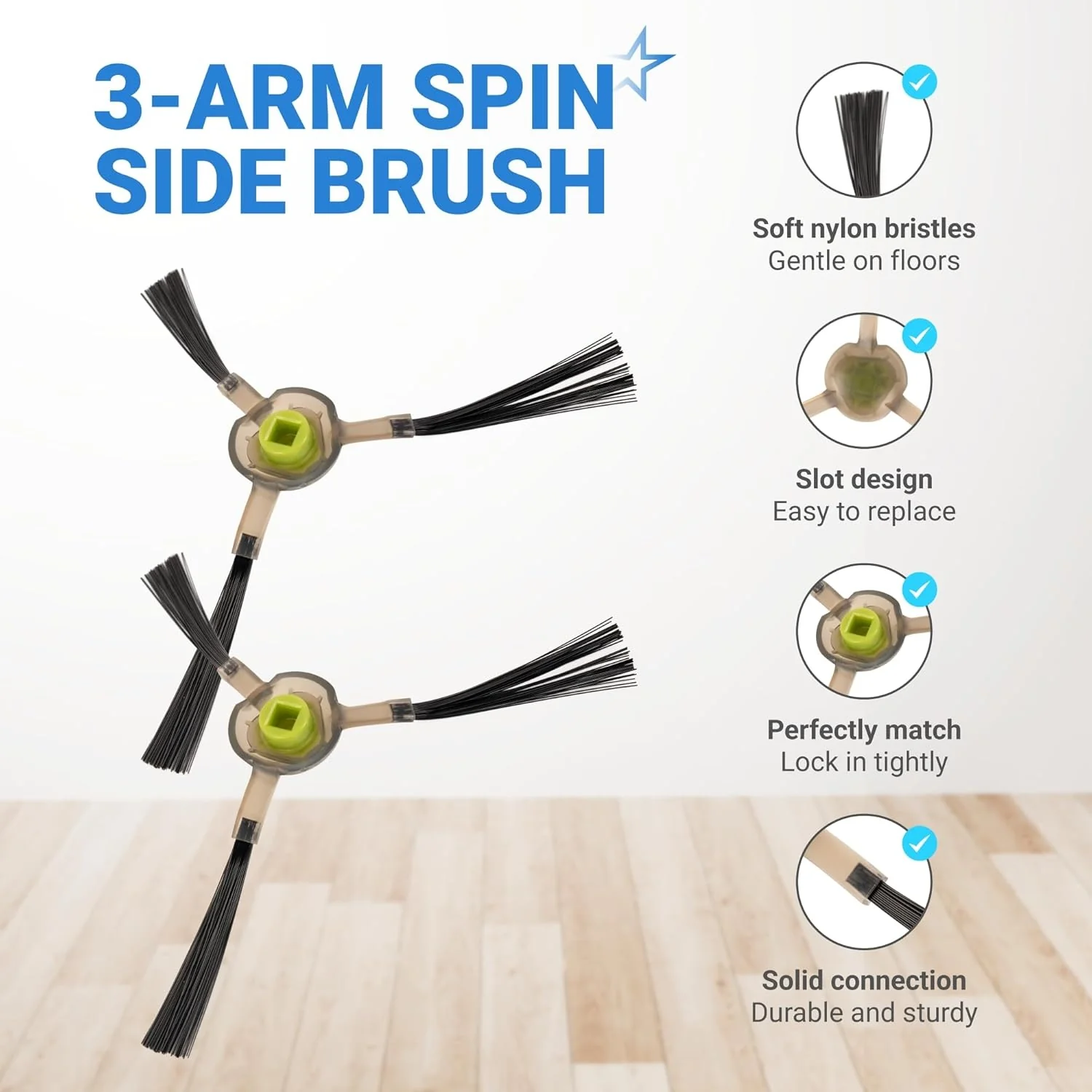
- Nylon-bristle side brushes with a flexible arm design to sweep debris from corners and wall edges into the suction intake.
- Precision-fit edge brushes manufactured from high-grade polycarbonate for increased durability and wear resistance.
- Includes a specialized cleaning tool with a concealed blade to safely remove hair and fibers wrapped around the brushes and sensors.
- Snap-in components engineered for rapid, tool-free replacement to maintain peak cleaning performance.
Replaces / Cross-Reference Part Numbers
- M210-PJTZ-009
- OKP-K2-K4-KIT
- LEF-M210-PJ
- AVA-M210-18PK
Compatibility & Fitment
- OKP Life Models: K2, K2P, K3, K3A, K3P, K4, K5, C5
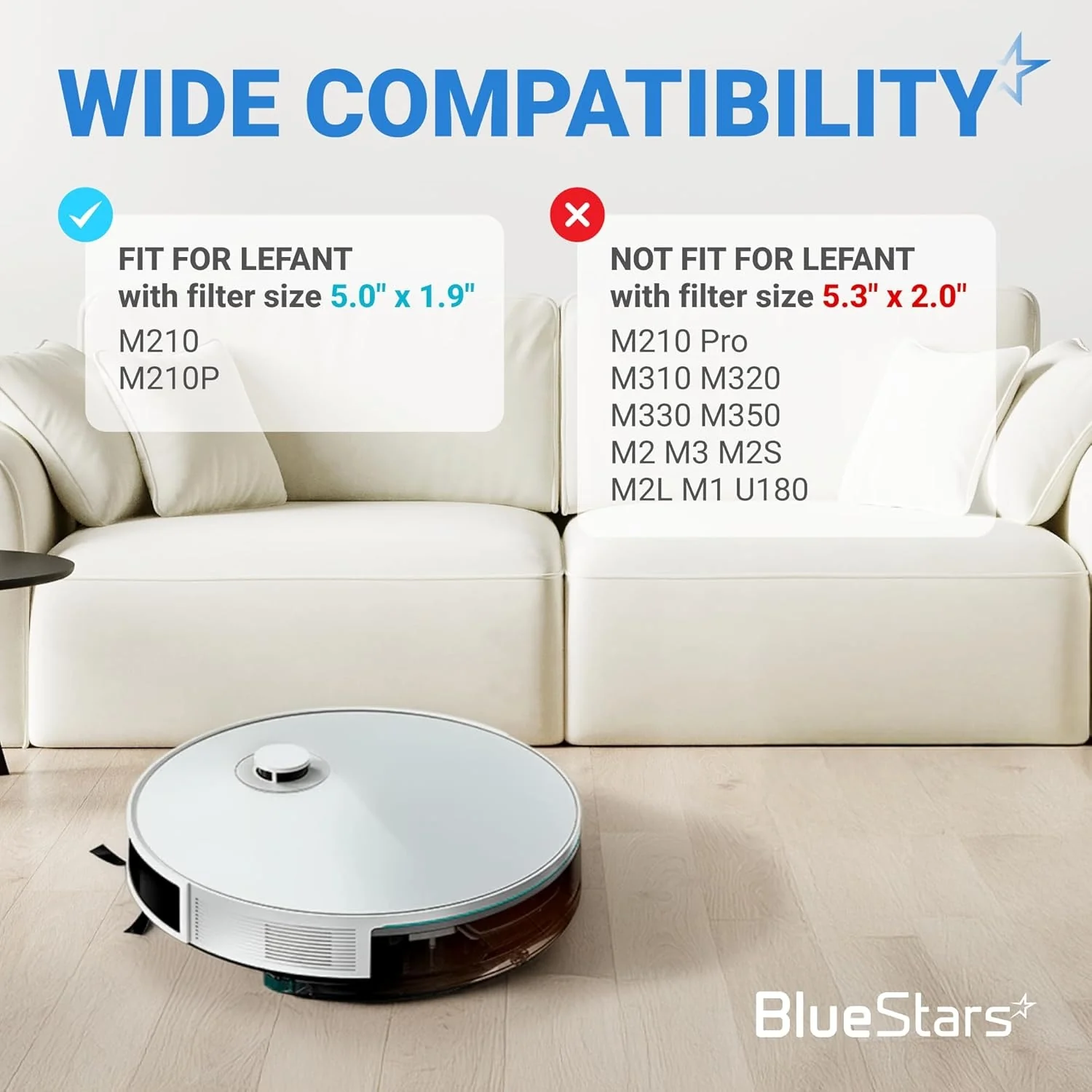
- Lefant Models: M210, M210S, M210B, M210P, M213, M213S, M2, N1, M210 Pro
When to Replace
- HEPA Filters: Replace every 2–3 months to prevent airflow restriction and protect the vacuum motor.
- Side Brushes: Replace every 3–6 months or when the bristles become splayed, frayed, or permanently bent.
- Cleaning Tool: Use weekly to clear the brush module and air intake of hair clogs and obstruction.
- Filter Maintenance: Tap out loose dust weekly; do not wash the HEPA filter with water as it can damage the specialized media.
Installation Tips
- Power off the unit using the main switch (I=ON, O=OFF) before performing any maintenance.
- Filter Installation: Open the top faceplate, remove the dust bin, and snap the new HEPA filter into the rear housing. Ensure the filter is seated flush to maintain a proper seal.
- Side Brush Replacement: Pull the old brush straight up from the motor spindle. Align the new brush and press down until a distinct "click" is heard.
- Reshaping Brushes: If side brushes arrive deformed from shipping, soak the nylon bristles in warm water for 3 to 5 minutes to restore their original shape.
- Sensor Care: Use the included cleaning tool or a dry cloth to wipe the anti-drop sensors on the bottom of the unit to prevent navigation errors.
Product Information
Product Information
Shipping & Returns
Shipping & Returns



[Lifetime Warranty] Replacement Parts Kit for OKP Life K2 K3 K3A K4 K5 and Lefant M210 M210S M210B M213 Robot Vacuum Cleaner - 6 Side Sweep Edge Brush, 6 HEPA Filter + Extra Cleaning Tool
[Lifetime Warranty] Replacement Parts Kit for OKP Life K2 K3 K3A K4 K5 and Lefant M210 M210S M210B M213 Robot Vacuum Cleaner - 6 Side Sweep Edge Brush, 6 HEPA Filter + Extra Cleaning Tool
Replacement Parts Kit for OKP Life K2 K3 K3A K4 K5 and Lefant M210 M210S M210B M213 - Side Sweep, Edge Brush, HEPA Filter, Extra Cleaning Tool
Key Features
- High-efficiency HEPA filters designed to capture 99.97% of airborne particles, dust, and pet dander down to 0.3 microns.
- Nylon-bristle side brushes with a flexible arm design to sweep debris from corners and wall edges into the suction intake.
- Precision-fit edge brushes manufactured from high-grade polycarbonate for increased durability and wear resistance.
- Includes a specialized cleaning tool with a concealed blade to safely remove hair and fibers wrapped around the brushes and sensors.
- Snap-in components engineered for rapid, tool-free replacement to maintain peak cleaning performance.
Replaces / Cross-Reference Part Numbers
- M210-PJTZ-009
- OKP-K2-K4-KIT
- LEF-M210-PJ
- AVA-M210-18PK
Compatibility & Fitment
- OKP Life Models: K2, K2P, K3, K3A, K3P, K4, K5, C5
- Lefant Models: M210, M210S, M210B, M210P, M213, M213S, M2, N1, M210 Pro
When to Replace
- HEPA Filters: Replace every 2–3 months to prevent airflow restriction and protect the vacuum motor.
- Side Brushes: Replace every 3–6 months or when the bristles become splayed, frayed, or permanently bent.
- Cleaning Tool: Use weekly to clear the brush module and air intake of hair clogs and obstruction.
- Filter Maintenance: Tap out loose dust weekly; do not wash the HEPA filter with water as it can damage the specialized media.
Installation Tips
- Power off the unit using the main switch (I=ON, O=OFF) before performing any maintenance.
- Filter Installation: Open the top faceplate, remove the dust bin, and snap the new HEPA filter into the rear housing. Ensure the filter is seated flush to maintain a proper seal.
- Side Brush Replacement: Pull the old brush straight up from the motor spindle. Align the new brush and press down until a distinct "click" is heard.
- Reshaping Brushes: If side brushes arrive deformed from shipping, soak the nylon bristles in warm water for 3 to 5 minutes to restore their original shape.
- Sensor Care: Use the included cleaning tool or a dry cloth to wipe the anti-drop sensors on the bottom of the unit to prevent navigation errors.
$18.89
[Lifetime Warranty] Replacement Parts Kit for OKP Life K2 K3 K3A K4 K5 and Lefant M210 M210S M210B M213 Robot Vacuum Cleaner - 6 Side Sweep Edge Brush, 6 HEPA Filter + Extra Cleaning Tool—
$18.89
Product Information
Product Information
Shipping & Returns
Shipping & Returns
Description
Replacement Parts Kit for OKP Life K2 K3 K3A K4 K5 and Lefant M210 M210S M210B M213 - Side Sweep, Edge Brush, HEPA Filter, Extra Cleaning Tool
Key Features
- High-efficiency HEPA filters designed to capture 99.97% of airborne particles, dust, and pet dander down to 0.3 microns.
- Nylon-bristle side brushes with a flexible arm design to sweep debris from corners and wall edges into the suction intake.
- Precision-fit edge brushes manufactured from high-grade polycarbonate for increased durability and wear resistance.
- Includes a specialized cleaning tool with a concealed blade to safely remove hair and fibers wrapped around the brushes and sensors.
- Snap-in components engineered for rapid, tool-free replacement to maintain peak cleaning performance.
Replaces / Cross-Reference Part Numbers
- M210-PJTZ-009
- OKP-K2-K4-KIT
- LEF-M210-PJ
- AVA-M210-18PK
Compatibility & Fitment
- OKP Life Models: K2, K2P, K3, K3A, K3P, K4, K5, C5
- Lefant Models: M210, M210S, M210B, M210P, M213, M213S, M2, N1, M210 Pro
When to Replace
- HEPA Filters: Replace every 2–3 months to prevent airflow restriction and protect the vacuum motor.
- Side Brushes: Replace every 3–6 months or when the bristles become splayed, frayed, or permanently bent.
- Cleaning Tool: Use weekly to clear the brush module and air intake of hair clogs and obstruction.
- Filter Maintenance: Tap out loose dust weekly; do not wash the HEPA filter with water as it can damage the specialized media.
Installation Tips
- Power off the unit using the main switch (I=ON, O=OFF) before performing any maintenance.
- Filter Installation: Open the top faceplate, remove the dust bin, and snap the new HEPA filter into the rear housing. Ensure the filter is seated flush to maintain a proper seal.
- Side Brush Replacement: Pull the old brush straight up from the motor spindle. Align the new brush and press down until a distinct "click" is heard.
- Reshaping Brushes: If side brushes arrive deformed from shipping, soak the nylon bristles in warm water for 3 to 5 minutes to restore their original shape.
- Sensor Care: Use the included cleaning tool or a dry cloth to wipe the anti-drop sensors on the bottom of the unit to prevent navigation errors.