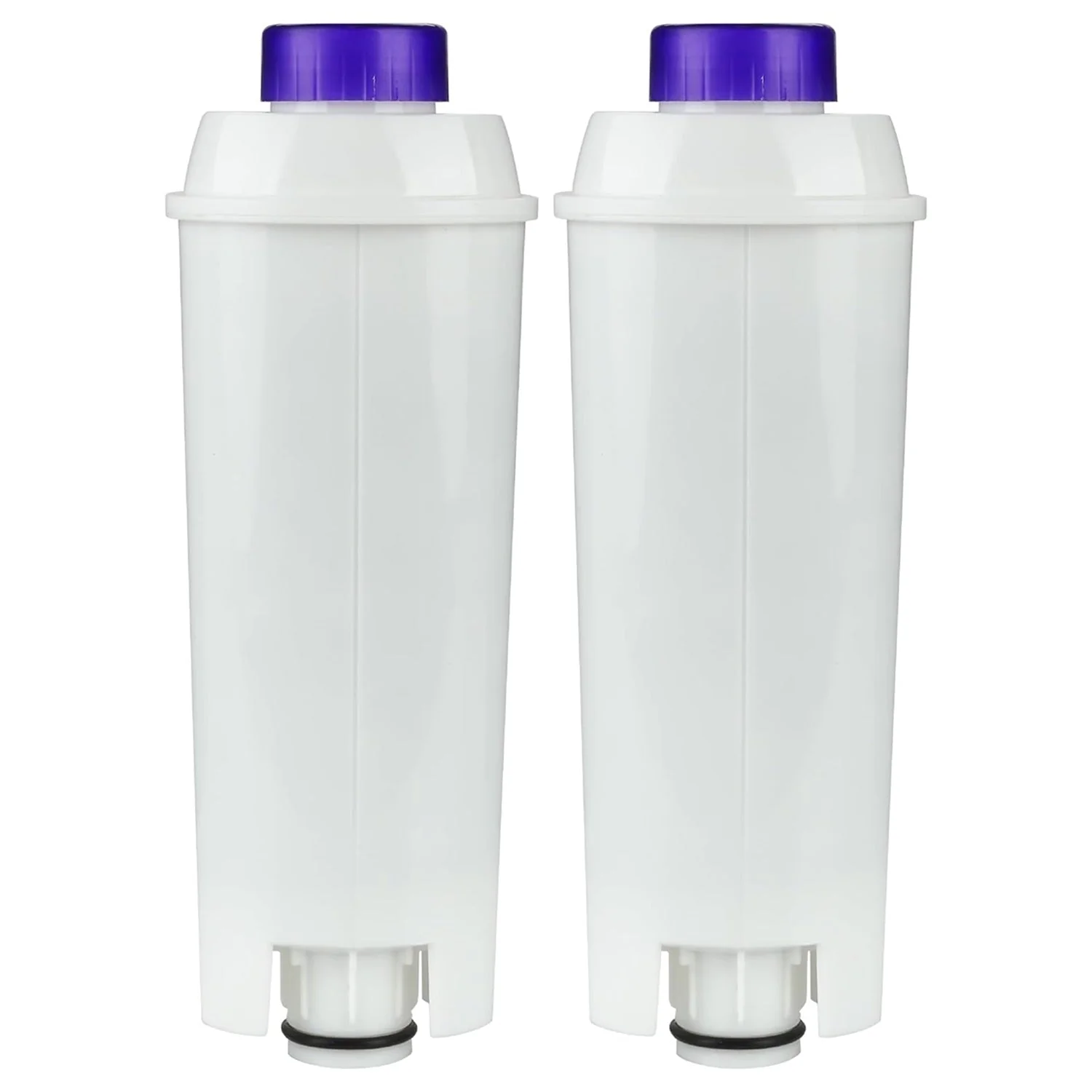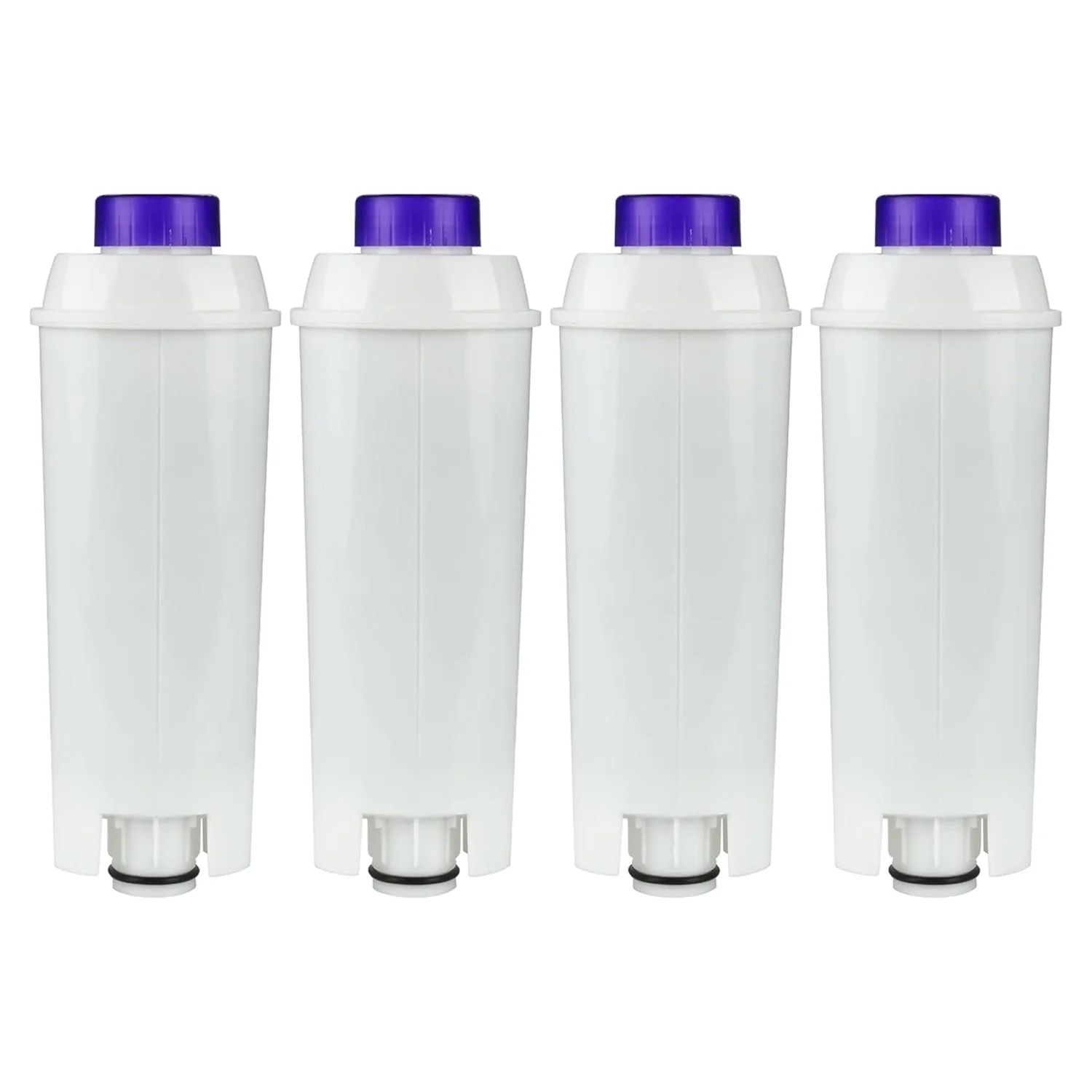
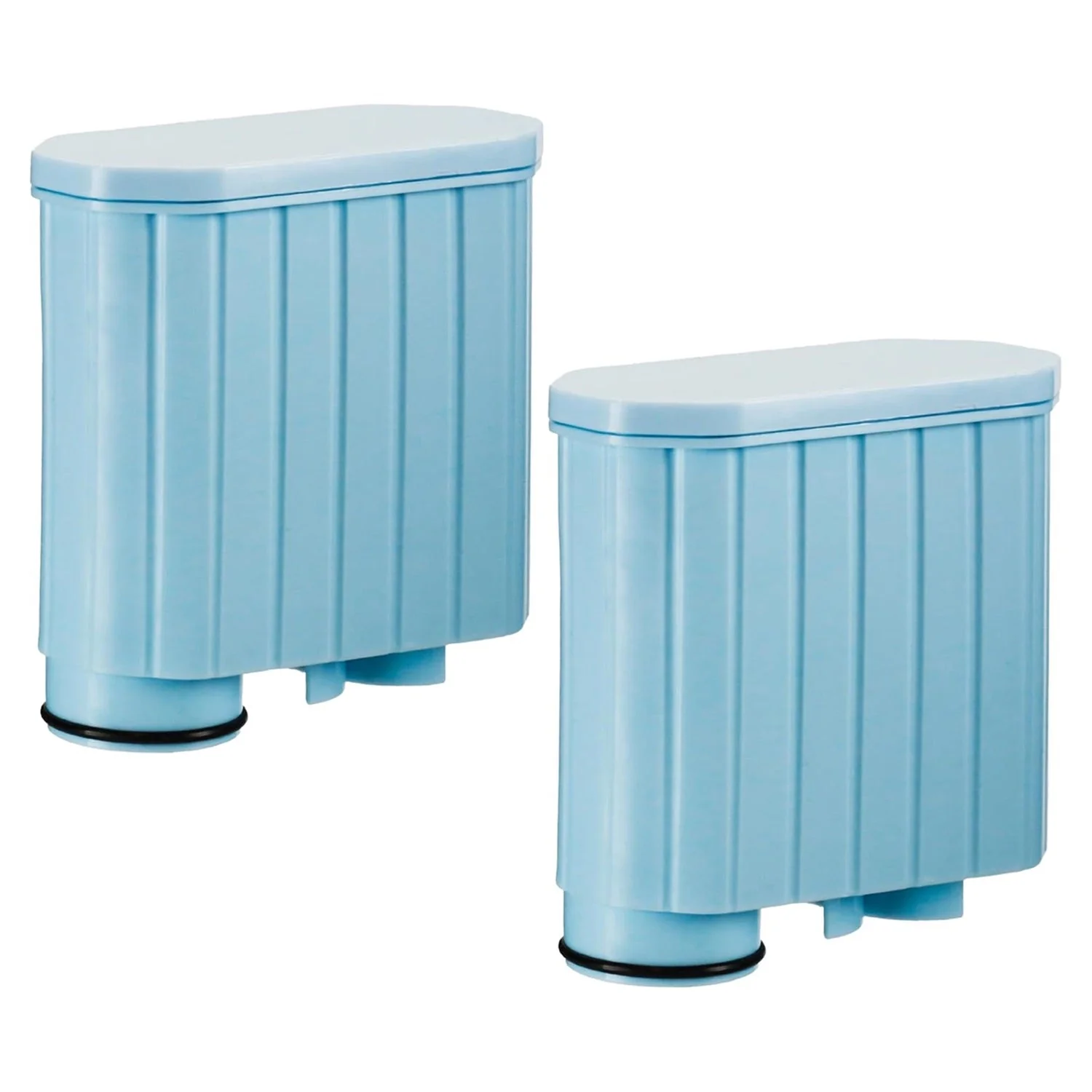
[Lifetime Warranty] Coffee Machine Water Filters with Activated Carbon Filter - Compatible with Philips Saeco AquaClean CA6903 and More - Pack of 2
CA6903 Compatible Coffee Machine Water Filter - Pack of 2
Key Features
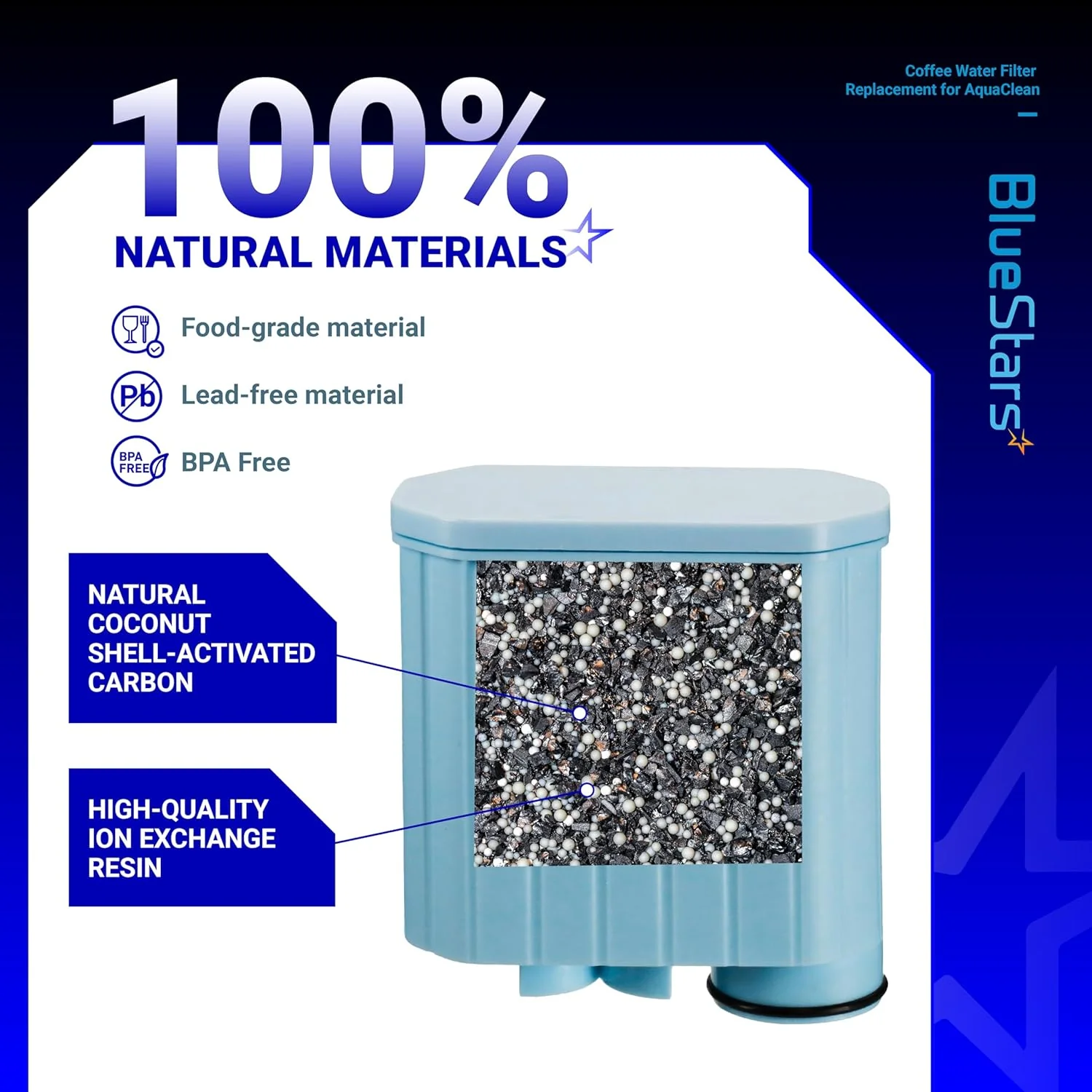
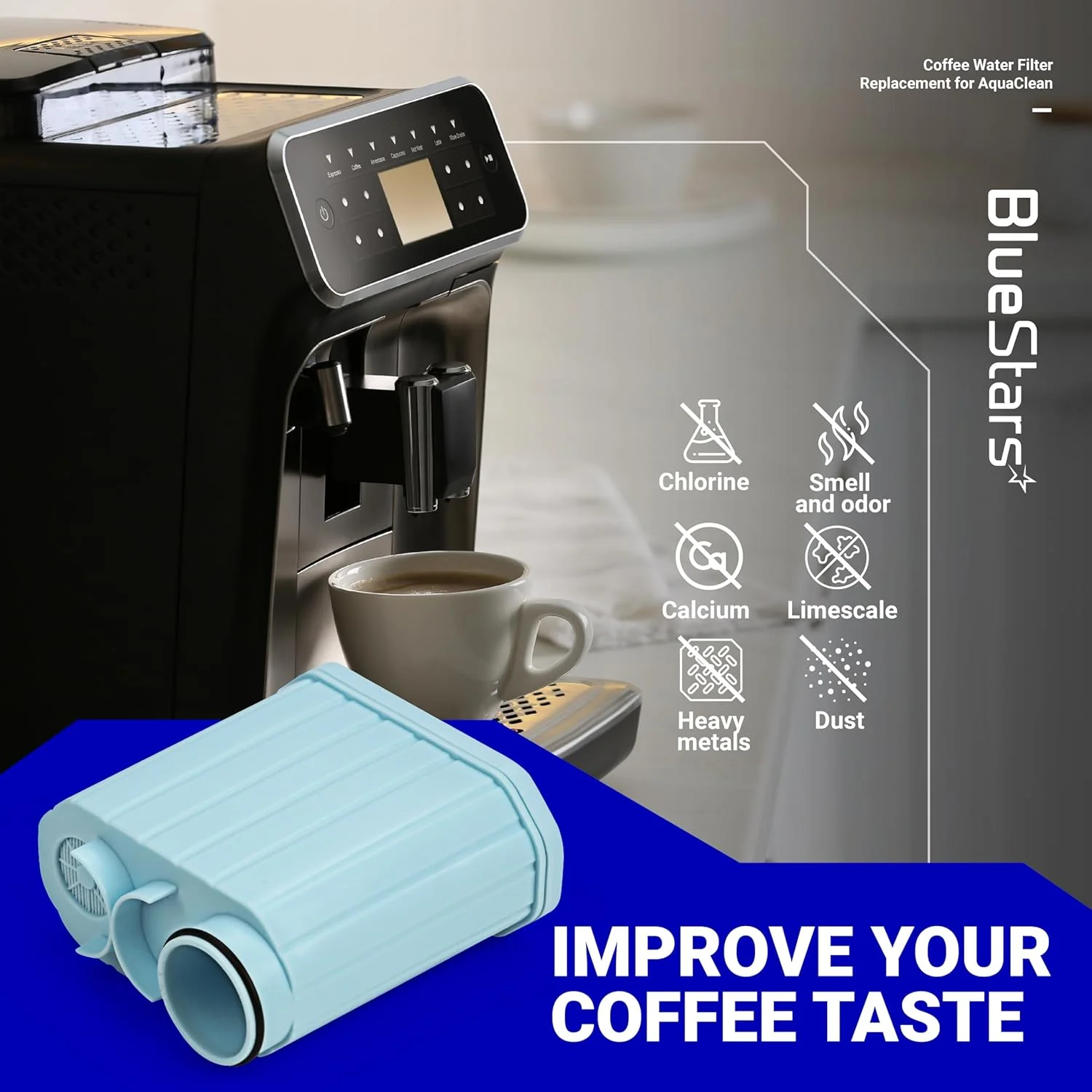
- Ion-Exchange Technology: Effectively removes calcium and magnesium ions from the water to prevent limescale accumulation within the boiler and internal tubing.
- Activated Carbon Filtration: High-density carbon core absorbs chlorine, pesticides, and heavy metals, ensuring a neutral water profile that highlights the natural coffee aroma.
- Micro-Porous Filter Screen: Features an ultra-fine mesh to block micro-particles and sediment from entering the brewing unit, preventing internal blockages.
- Patented Water Path: Designed with a specific internal flow path that ensures water stays in contact with the filter media longer for maximum purification.
- Plug-and-Go Compatibility: Features the specialized click-fit interface for a secure, tool-free installation into the water reservoir.
Replaces / Cross-Reference Part Numbers
- Philips Saeco AquaClean CA6903
- CA6903/10
- CA6903/22
- CA6903/00
- CA6903/47
- AquaClean Filter System
Compatibility & Fitment
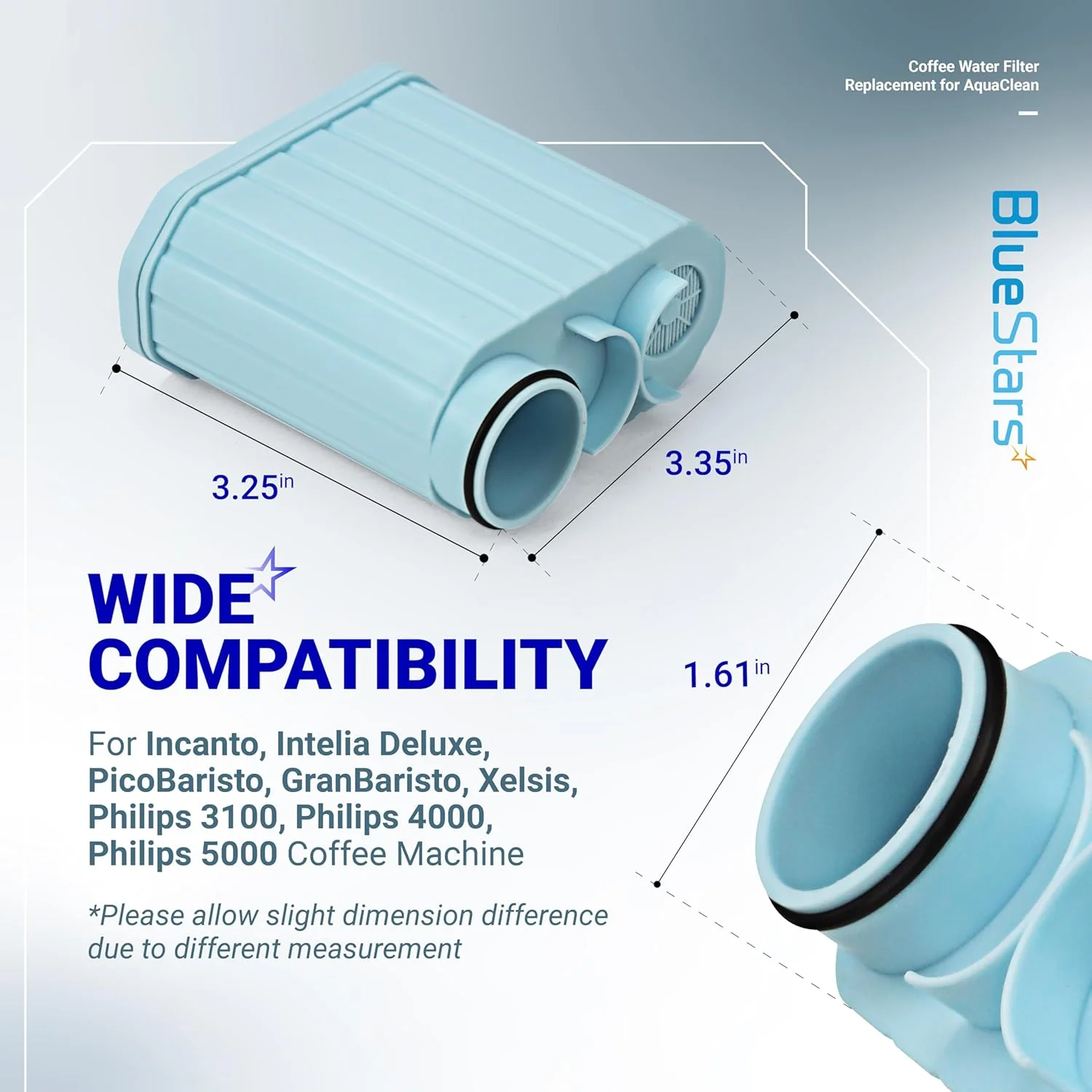
This filter is compatible with all Philips and Saeco espresso machines equipped with the "AquaClean" technology logo on the water tank, including:
- Philips 1200, 2200, 3200, 4300, and 5400 Series: EP1220, EP2220, EP3241, EP3246, EP4347, EP5447.
- Saeco PicoBaristo: HD8924, HD8927, SM3061, SM5460, SM5473.
- Saeco Incanto: HD8911, HD8914, HD8917, HD8919, HD8921, HD8922.
- Saeco Xelsis: SM7580, SM7581, SM7680, SM7683, SM7685.
- Other Series: Saeco Intelia Deluxe, Exprelia EVO, GranBaristo, and GranAroma models.
When to Replace
- Automatic Alert: The machine's display will indicate "Replace Filter" or the AquaClean status light will flash.
- Capacity Limit: After filtering approximately 95 liters (25 gallons) of water.
- Time Interval: Every 3 months to ensure hygiene and prevent bacterial growth in the filter housing.
- De-calcification Reset: If the machine has been used without a filter and requires a manual descaling cycle, a new filter should be installed immediately afterward.
- Note: By replacing the filter 8 times consecutively as prompted by the machine, you can typically delay the need for a full descaling for up to 5,000 cups.
Installation Tips
- Air Bubble Removal: Shake the filter for about 5 seconds, then immerse it upside down in a container of cold water until no more air bubbles emerge.
- Insertion: Push the filter vertically onto the filter connection in the water tank until it is securely seated.
- Activation: Use the machine's "Filter" or "AquaClean" menu to activate the new filter. The machine will flush a small amount of water through the steam wand or dispenser.
- Water Quality Check: Ensure your machine's water hardness setting is programmed correctly to allow the system to accurately track the filter’s lifespan.
- Post-Installation: If you notice black carbon particles in the first flush, this is normal; simply run another "Hot Water" cycle to clear the remaining fine dust.
Product Information
Product Information
Shipping & Returns
Shipping & Returns
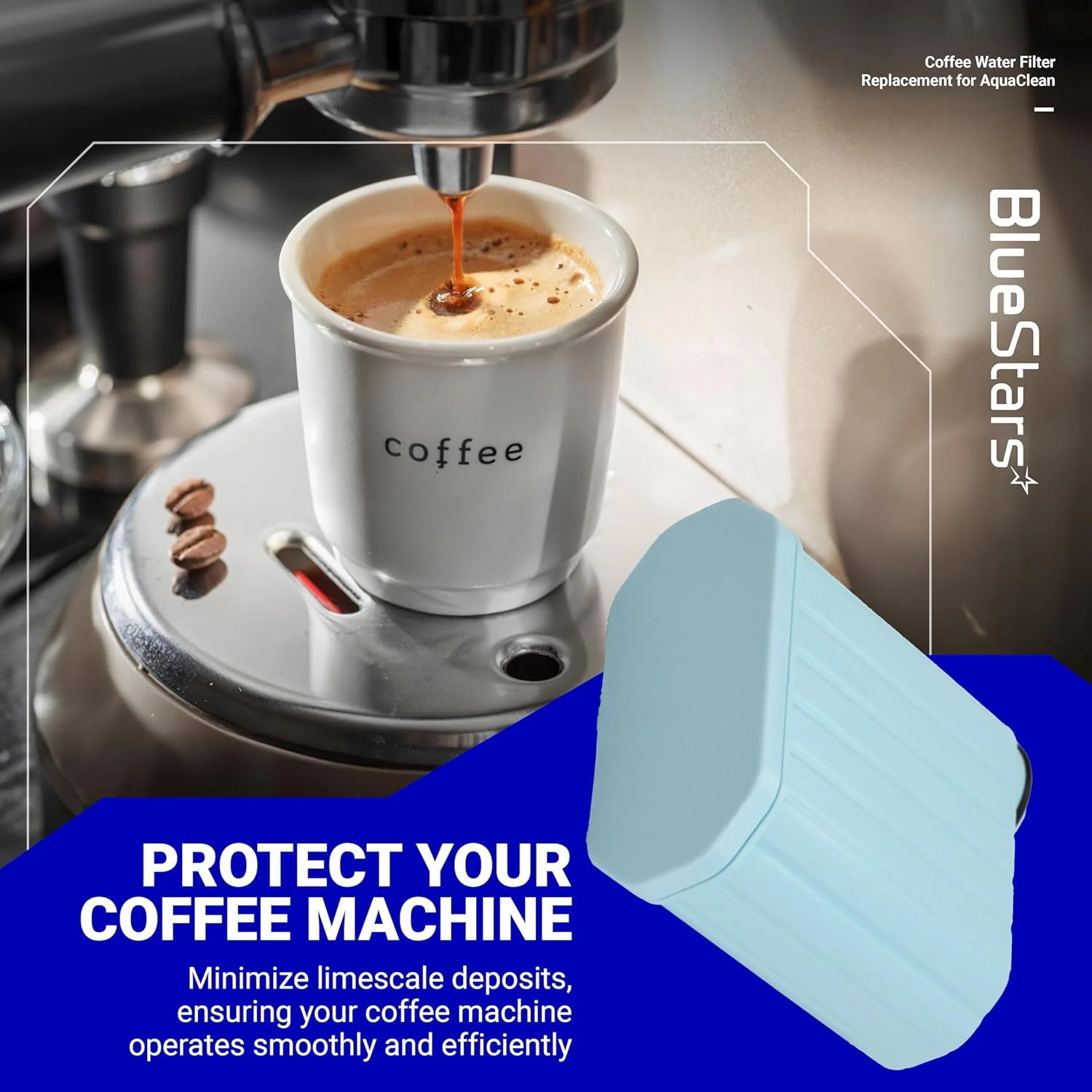


[Lifetime Warranty] Coffee Machine Water Filters with Activated Carbon Filter - Compatible with Philips Saeco AquaClean CA6903 and More - Pack of 2
[Lifetime Warranty] Coffee Machine Water Filters with Activated Carbon Filter - Compatible with Philips Saeco AquaClean CA6903 and More - Pack of 2
CA6903 Compatible Coffee Machine Water Filter - Pack of 2
Key Features
- Ion-Exchange Technology: Effectively removes calcium and magnesium ions from the water to prevent limescale accumulation within the boiler and internal tubing.
- Activated Carbon Filtration: High-density carbon core absorbs chlorine, pesticides, and heavy metals, ensuring a neutral water profile that highlights the natural coffee aroma.
- Micro-Porous Filter Screen: Features an ultra-fine mesh to block micro-particles and sediment from entering the brewing unit, preventing internal blockages.
- Patented Water Path: Designed with a specific internal flow path that ensures water stays in contact with the filter media longer for maximum purification.
- Plug-and-Go Compatibility: Features the specialized click-fit interface for a secure, tool-free installation into the water reservoir.
Replaces / Cross-Reference Part Numbers
- Philips Saeco AquaClean CA6903
- CA6903/10
- CA6903/22
- CA6903/00
- CA6903/47
- AquaClean Filter System
Compatibility & Fitment
This filter is compatible with all Philips and Saeco espresso machines equipped with the "AquaClean" technology logo on the water tank, including:
- Philips 1200, 2200, 3200, 4300, and 5400 Series: EP1220, EP2220, EP3241, EP3246, EP4347, EP5447.
- Saeco PicoBaristo: HD8924, HD8927, SM3061, SM5460, SM5473.
- Saeco Incanto: HD8911, HD8914, HD8917, HD8919, HD8921, HD8922.
- Saeco Xelsis: SM7580, SM7581, SM7680, SM7683, SM7685.
- Other Series: Saeco Intelia Deluxe, Exprelia EVO, GranBaristo, and GranAroma models.
When to Replace
- Automatic Alert: The machine's display will indicate "Replace Filter" or the AquaClean status light will flash.
- Capacity Limit: After filtering approximately 95 liters (25 gallons) of water.
- Time Interval: Every 3 months to ensure hygiene and prevent bacterial growth in the filter housing.
- De-calcification Reset: If the machine has been used without a filter and requires a manual descaling cycle, a new filter should be installed immediately afterward.
- Note: By replacing the filter 8 times consecutively as prompted by the machine, you can typically delay the need for a full descaling for up to 5,000 cups.
Installation Tips
- Air Bubble Removal: Shake the filter for about 5 seconds, then immerse it upside down in a container of cold water until no more air bubbles emerge.
- Insertion: Push the filter vertically onto the filter connection in the water tank until it is securely seated.
- Activation: Use the machine's "Filter" or "AquaClean" menu to activate the new filter. The machine will flush a small amount of water through the steam wand or dispenser.
- Water Quality Check: Ensure your machine's water hardness setting is programmed correctly to allow the system to accurately track the filter’s lifespan.
- Post-Installation: If you notice black carbon particles in the first flush, this is normal; simply run another "Hot Water" cycle to clear the remaining fine dust.
$28.24
[Lifetime Warranty] Coffee Machine Water Filters with Activated Carbon Filter - Compatible with Philips Saeco AquaClean CA6903 and More - Pack of 2—
$28.24
Product Information
Product Information
Shipping & Returns
Shipping & Returns
Description
CA6903 Compatible Coffee Machine Water Filter - Pack of 2
Key Features
- Ion-Exchange Technology: Effectively removes calcium and magnesium ions from the water to prevent limescale accumulation within the boiler and internal tubing.
- Activated Carbon Filtration: High-density carbon core absorbs chlorine, pesticides, and heavy metals, ensuring a neutral water profile that highlights the natural coffee aroma.
- Micro-Porous Filter Screen: Features an ultra-fine mesh to block micro-particles and sediment from entering the brewing unit, preventing internal blockages.
- Patented Water Path: Designed with a specific internal flow path that ensures water stays in contact with the filter media longer for maximum purification.
- Plug-and-Go Compatibility: Features the specialized click-fit interface for a secure, tool-free installation into the water reservoir.
Replaces / Cross-Reference Part Numbers
- Philips Saeco AquaClean CA6903
- CA6903/10
- CA6903/22
- CA6903/00
- CA6903/47
- AquaClean Filter System
Compatibility & Fitment
This filter is compatible with all Philips and Saeco espresso machines equipped with the "AquaClean" technology logo on the water tank, including:
- Philips 1200, 2200, 3200, 4300, and 5400 Series: EP1220, EP2220, EP3241, EP3246, EP4347, EP5447.
- Saeco PicoBaristo: HD8924, HD8927, SM3061, SM5460, SM5473.
- Saeco Incanto: HD8911, HD8914, HD8917, HD8919, HD8921, HD8922.
- Saeco Xelsis: SM7580, SM7581, SM7680, SM7683, SM7685.
- Other Series: Saeco Intelia Deluxe, Exprelia EVO, GranBaristo, and GranAroma models.
When to Replace
- Automatic Alert: The machine's display will indicate "Replace Filter" or the AquaClean status light will flash.
- Capacity Limit: After filtering approximately 95 liters (25 gallons) of water.
- Time Interval: Every 3 months to ensure hygiene and prevent bacterial growth in the filter housing.
- De-calcification Reset: If the machine has been used without a filter and requires a manual descaling cycle, a new filter should be installed immediately afterward.
- Note: By replacing the filter 8 times consecutively as prompted by the machine, you can typically delay the need for a full descaling for up to 5,000 cups.
Installation Tips
- Air Bubble Removal: Shake the filter for about 5 seconds, then immerse it upside down in a container of cold water until no more air bubbles emerge.
- Insertion: Push the filter vertically onto the filter connection in the water tank until it is securely seated.
- Activation: Use the machine's "Filter" or "AquaClean" menu to activate the new filter. The machine will flush a small amount of water through the steam wand or dispenser.
- Water Quality Check: Ensure your machine's water hardness setting is programmed correctly to allow the system to accurately track the filter’s lifespan.
- Post-Installation: If you notice black carbon particles in the first flush, this is normal; simply run another "Hot Water" cycle to clear the remaining fine dust.