[Lifetime Warranty] 89108000 Bathroom Vent Fan Light Lens Cover - Pack of 2
89108000 Bathroom Vent Fan Light Lens Cover - Pack of 2
Key Features
- Package contains two light lens covers.
- Constructed from durable plastic for longevity.
- Direct replacement for the original manufacturer's part.
- Designed for a simple, snap-in installation.
Replaces / Cross-Reference Part Numbers
- 89108000
Compatibility & Fitment
- Fits select Broan and Nutone bathroom ventilation fans.
- Compatible Models: 763RLN, 769RF, 769RFT, 769RL, 770F, VF705RCN, VF707RCN.
- Confirm your fan's model number before ordering to ensure fit.
When to Replace
- The existing lens cover is cracked, broken, or has been lost.
- Lens has become yellowed or discolored, reducing light output.
Installation Tips
- Ensure power to the ventilation fan is turned off at the circuit breaker.
- Remove the old cover by carefully disengaging its mounting tabs.
- Align the new lens with the slots on the fan housing or grille.
- Press gently but firmly until the lens snaps securely into place.
Product Information
Product Information
Shipping & Returns
Shipping & Returns



[Lifetime Warranty] 89108000 Bathroom Vent Fan Light Lens Cover - Pack of 2
[Lifetime Warranty] 89108000 Bathroom Vent Fan Light Lens Cover - Pack of 2
89108000 Bathroom Vent Fan Light Lens Cover - Pack of 2
Key Features
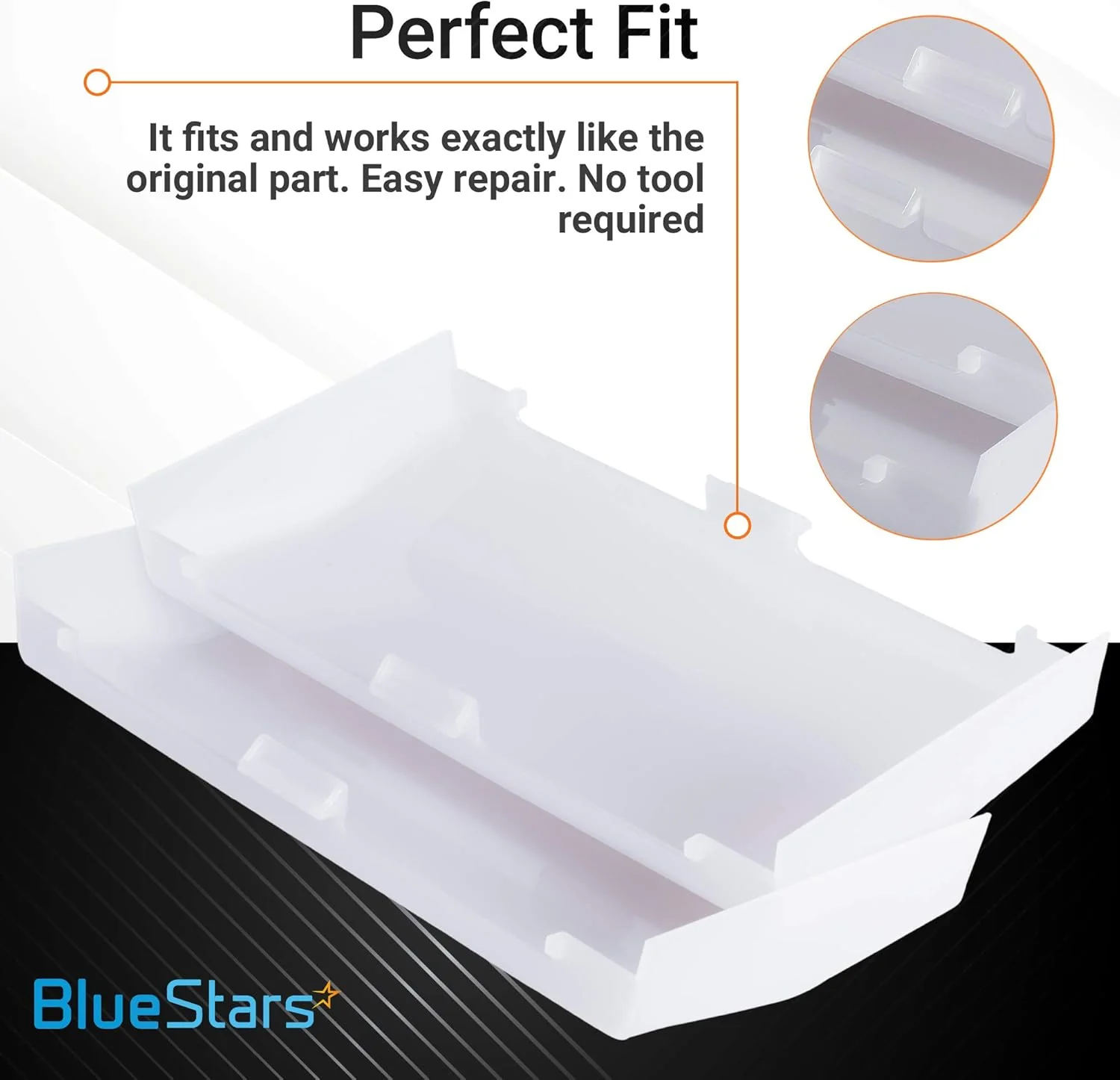
- Package contains two light lens covers.
- Constructed from durable plastic for longevity.
- Direct replacement for the original manufacturer's part.
- Designed for a simple, snap-in installation.
Replaces / Cross-Reference Part Numbers
- 89108000
Compatibility & Fitment
- Fits select Broan and Nutone bathroom ventilation fans.
- Compatible Models: 763RLN, 769RF, 769RFT, 769RL, 770F, VF705RCN, VF707RCN.
- Confirm your fan's model number before ordering to ensure fit.
When to Replace
- The existing lens cover is cracked, broken, or has been lost.
- Lens has become yellowed or discolored, reducing light output.
Installation Tips
- Ensure power to the ventilation fan is turned off at the circuit breaker.
- Remove the old cover by carefully disengaging its mounting tabs.
- Align the new lens with the slots on the fan housing or grille.
- Press gently but firmly until the lens snaps securely into place.
$31.49
[Lifetime Warranty] 89108000 Bathroom Vent Fan Light Lens Cover - Pack of 2—
$31.49
Product Information
Product Information
Shipping & Returns
Shipping & Returns
Description
89108000 Bathroom Vent Fan Light Lens Cover - Pack of 2
Key Features
- Package contains two light lens covers.
- Constructed from durable plastic for longevity.
- Direct replacement for the original manufacturer's part.
- Designed for a simple, snap-in installation.
Replaces / Cross-Reference Part Numbers
- 89108000
Compatibility & Fitment
- Fits select Broan and Nutone bathroom ventilation fans.
- Compatible Models: 763RLN, 769RF, 769RFT, 769RL, 770F, VF705RCN, VF707RCN.
- Confirm your fan's model number before ordering to ensure fit.
When to Replace
- The existing lens cover is cracked, broken, or has been lost.
- Lens has become yellowed or discolored, reducing light output.
Installation Tips
- Ensure power to the ventilation fan is turned off at the circuit breaker.
- Remove the old cover by carefully disengaging its mounting tabs.
- Align the new lens with the slots on the fan housing or grille.
- Press gently but firmly until the lens snaps securely into place.